Free InteractiveWheel of NamesSpinner for Classrooms
Make student selection engaging and fair. Paste a class list, spin the wheel, and choose whether a selected name stays in the activity.
🚀 Launch Wheel of NamesWhat is the DeskPety Wheel of Names?
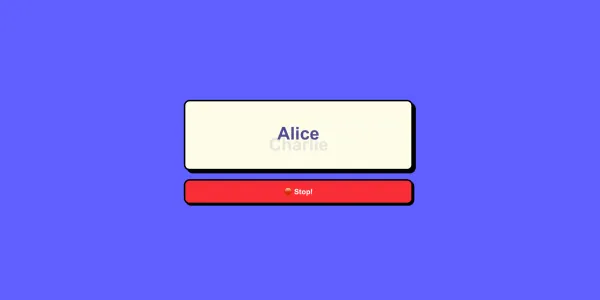
DeskPety Wheel of Names is a digital classroom tool for random student selection. Its full-screen wheel helps keep the selection process visible for the whole class while adding a little anticipation to questions, activities, and classroom jobs.
Add a list of names, spin the wheel, and use the result to choose the next participant. A selected name can remain on the wheel or be removed for the current session.
How to use the spinner
- Paste your roster: Type or paste one name per line in the name list.
- Spin the wheel: Select the spin button to choose a name from the active list.
- Keep or remove: After each selection, choose whether that name remains available.
Classroom ideas for a name spinner
- Questions and discussion: Choose a participant for a response or follow-up question.
- Classroom jobs: Let the wheel decide who takes a rotating classroom role.
- Review activities: Select the next player, team representative, or prompt reader.
Frequently asked questions
Do I need an account to use Wheel of Names?
No. Open the tool and paste or type your class list to start spinning.
Can I prevent a name from being selected twice?
Yes. Select Remove Name after a winner is shown to take that name out of the active wheel.
How do I add names to the wheel?
Enter one name per line in the list beside the wheel.